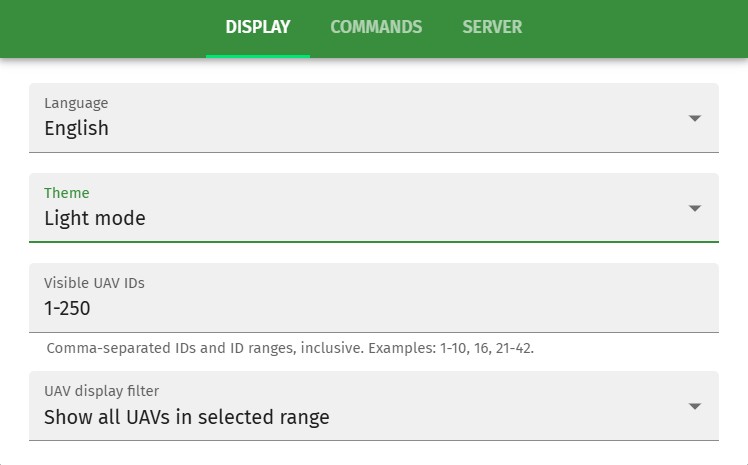
Display preferences

Display preferences

Language

Select the language of your preference. If you do not find your language in the list, please help us with the community translation.

Theme

Set light mode or dark mode depending on external light conditions

Visible UAV IDs

Set up the list of IDs to appear on the main screen. Use ranges or individual values from 1 and above. Note that visible drone IDs will be calculated by the following ArduCopter parameters: SYSID_THISMAV + SHOW_GROUP * 250

UAV displays filter

Set up what drones Skybrush Sidekick should display. You can choose to display all drones within the defined ID range, only those drones that have been active for at least once (if Skybrush Server is connected to Skybrush Sidekick), or only those that are currently active.