Firmware update
| The firmware update tool is only prepared but it is not functional yet. When it will become ready, it will be a Pro feature. |
The firmware update tool enables you to upload a new firmware to any number of drones at the same time.
Firmware updates consist of three simple steps:
-
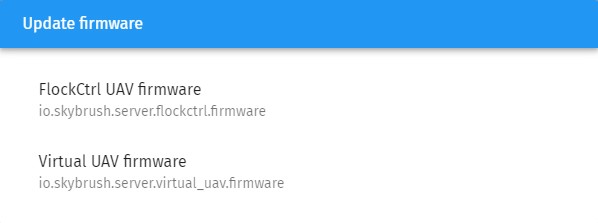
Choose the firmware type you wish to upload
-
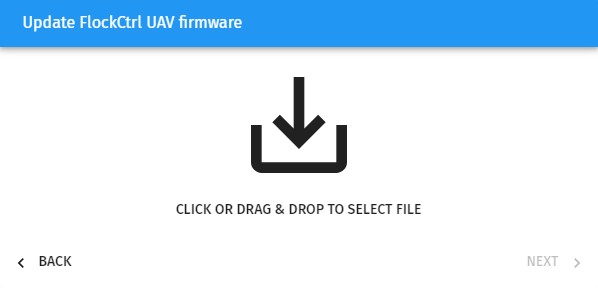
Select the firmware file you wish to upload and press Next at the bottom right corner of the corresponding dialog.
-
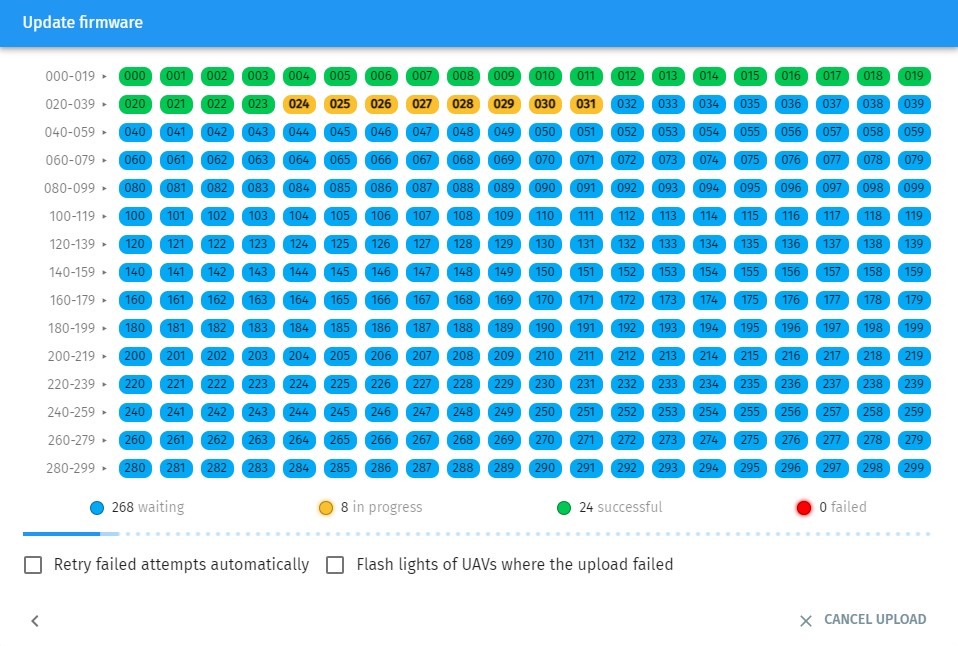
Upload the firmware to the selected devices in a dialog very similar to show or parameter uploads.
You can always double-check whether your firmware got uploaded correctly with the version command in the Messages tab of the Properties dialog.