Firmware version check
The firmware version check tool enables you to compare autopilot firmware versions across multiple drones.
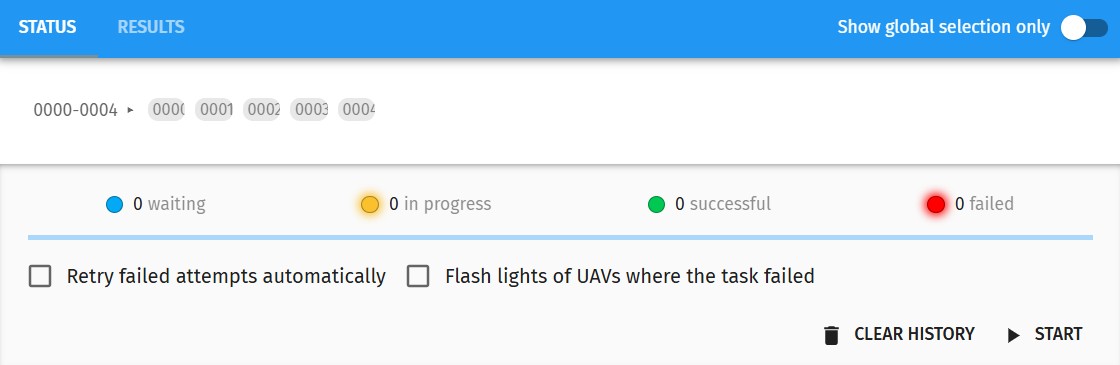
The batch firmware version status dialog is similar to the mission/show upload dialog, except that instead of uploading missions, firmware versions are retrieved from all UAVs. For more information about how to use this window, please read the Upload your mission to the drones section of the Start a drone show in 10 steps with Skybrush Live tutorial.
Once the firmware versions have been retrieved from all UAVs, select the Results tab in the header to compare the versions.
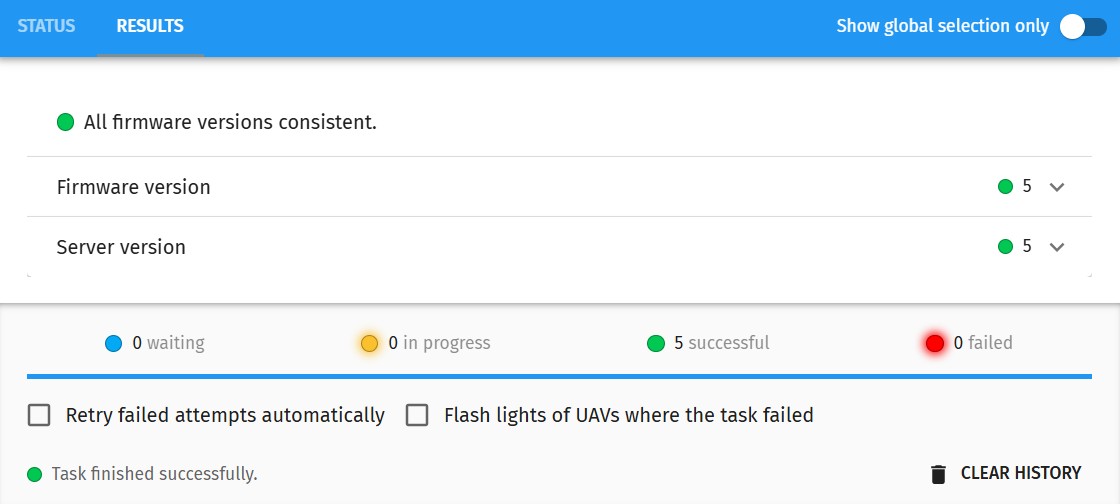
This dialog shows you an overall evaluation of the firmware version consistency check, and also gives you detailed results for each component of the firmware versions found.
Click on each version name to open more detailed results about its value distribution across UAVs.