Adapt show and plan collective RTH
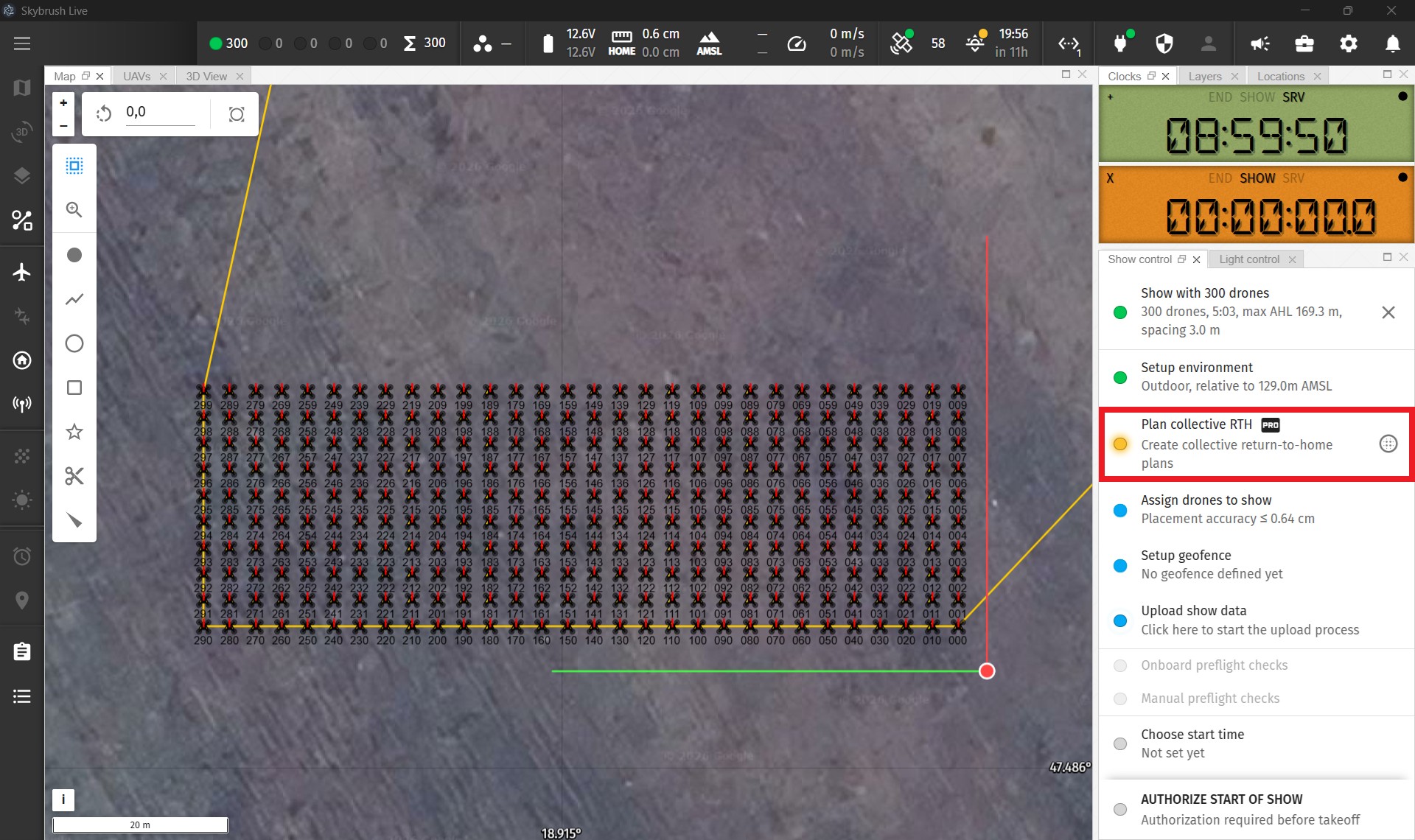
The next checklist item in the show control panel contains two independent optional steps, both available to Pro users only. They need to be called in the following logical order:
-
Adapt the show to the venue (small button on the right side)
-
Generate collective RTH plans (main item on the left side)
Adapt show to venue
Use the Adapt show to venue button if you need to redesign your drone show on the spot quickly, for example in the following cases:
-
you need a new takeoff grid arrangement on this specific venue, different from what has been designed in your show
-
you need to raise the takeoff altitude due to e.g. unexpectedly large trees that need to be avoided
-
you need to move or rotate the show relative to the takeoff grid slightly for better visibility for the audience
See the description of the Adapt show dialog for more details on usage.
| adapting your show from Live recreates the entire takeoff and RTH phases of your show, keeping the net show content intact. Use this tool only if you know what you are doing and always validate your transformed show in Skybrush Viewer before flying it! |
Plan collective RTH
Since most show drones do not communicate with each other and do not have internal collision avoidance capabilities, triggering a standard return-to-home procedure on multiple parallel drones would just bring them home on a straight trajectory that exposes the fleet to severe collision risk.
Use the Plan collective RTH button if you wish to generate collective RTH plans for your final (optionally adapted) show, that allows you to bring drones home any time during your show on coordinated pre-planned routes, safely, without collisions.
See the description of the Plan collective RTH dialog for more details on usage.
| Generating collective RTH plans might take a longer time depending on the number of drones and the frequency of plans generated; if you plan to use this functionality as a failsafe option, allow enough preparation time for this step before your show. |